#linux
4944 posts · Last used 1h
It’s that time of year, time to blow up the home server!
me and fedora have been boxing for a while now and I’m thinking I want to try something else after I finish designing my next home server case for it.
I’m considering NASty as it’s doing pretty much everything out of box I want to do with this next one already, and even though it’s young, it’s build on nixOS, which I consider mature at this point.
But I have no experience with nixOS. It sounds like it’s a less obnoxious form of fedora coreOS. Any opinions?
Boosted by @welcome@friends.deko.cloud
Hi Mastodon! I'm Denys, a Ukrainian developer living in Spain. I'm building Vilna OS, a GNOME-based Linux for people who want privacy without the setup, and Gloxi, an open-source assistant that runs on your own computer. The cloud is optional, and text is masked and sent to EU servers only. Building in the open: github.com/StDenis1980/VilnaOS
#introduction #linux #gnome #opensource #privacy
can i use external kernel modules with this new EACV2 anticheat?
i need a module for controlling my laptop fan speed made with dkms,signed in MOK. would the new eac allow it or no?
Boosted by @welcome@friends.deko.cloud
#Introduction
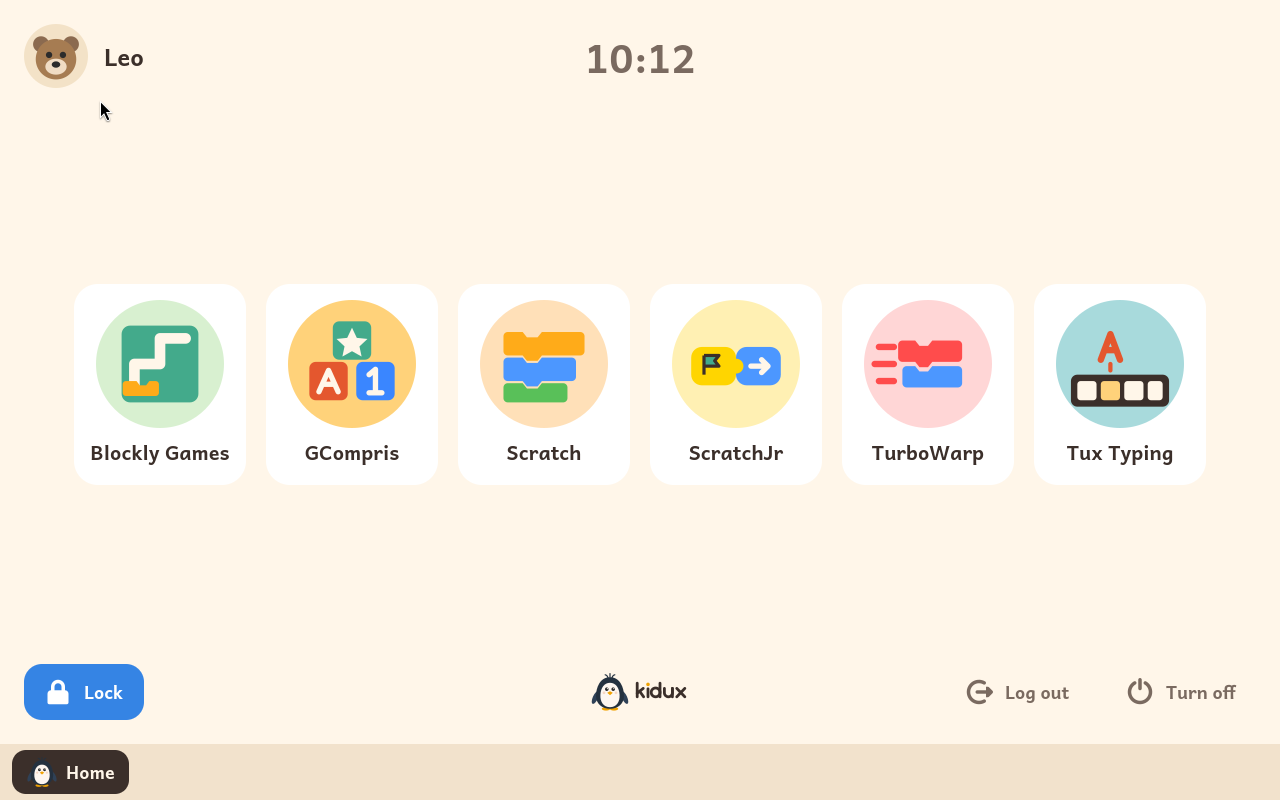
Kidux is a Debian-based Linux built to be a child's first computer: each child signs in with their avatar into a locked session with only the learning programs an adult enabled (Scratch, GCompris, Blockly, BASIC, PhET…), no open web, daily time limits from an adult panel.
Free software (GPL), English and Spanish, runs on old 64-bit PCs with 2 GB. Trial image for VirtualBox/UTM.
v0.2.7, one maintainer, testers aged 4, 6 and 8.
https://kidux.org
#Linux #FOSS #LinuxForKids
Boosted by @welcome@friends.deko.cloud
Hi Mastodon! I'm Ahmet, a developer from Türkiye.
The operating system vulnerabilities of the past months made me want
to build a safer Linux distribution and raise awareness about
hardening. That became SedirOS, a hardened Debian-based server distro.
1.0 shipped this week.
I'm here to get feedback and find out what's still missing.
#introduction #linux #debian #infosec #selfhosted
Do good things
is linux a hard os to use?
asking seriously. because i installed kubuntu after setting up luks2 encryption in installer and it all seemed fine. until i booted into ubuntu and saw grub menu asking for commands . i asked chatgpt it gave complex fixes and stuff. so im now installing windows 11 again and deleted kubuntu.
now im not blaming linux. but this is a genuine question. is linux hard?
i had bitlocker encryption working perfectly on windows 11 no boot issues.
What Thinkpad Model
Currently running mint on a 15+ year old HP laptop but I want to update to a ‘modern’ second hand Thinkpad. The second hand market is just full of different model numbers and I’m not sure how to filter to what I’m after.
I get most tech basics (ram, ssh) but I’m not sure what all the models numbers, generations or processors mean.
Looking for something with a memory card spot, HDMI output and ideally touchscreen.
I don’t use it for gaming but have an ultra wide screen high res monitor (possibly 2k cant quite remember) that I’d like to take advantage of.
Larger SSD and 16gb ram wouldn’t hurt too but I assume I can upgrade them.
I don’t need the Yoga tablet style folding.
TUXEDO OS Enters Final Beta Testing Ahead of Debian-Based Release
TUXEDO Computers has just announced that its upcoming Debian-based TUXEDO OS has entered the final stage of its open beta. That brings the Linux distro right up to the point of being fully transitioned away from Ubuntu.
The new edition, known as TUXEDO OS “Continuous Debian,” replaces the distribution’s traditional Ubuntu foundation with Debian Testing. The change denotes a significant shift for TUXEDO OS, which is developed by German Linux hardware manufacturer TUXEDO Computers.
Open beta testing started in August, and since then the dev team has issued five beta ISOs. The company has reported a large number of bug reports as a result of the testing, as well as a lot of positive feedback from users who have been running the new system without any issues.
As for the software, the current beta runs KDE Plasma 6.7.4 on Wayland, alongside KDE Frameworks 6.30, Qt 6.11.2, and Linux kernel 7.2. Unlike Debian itself, which periodically promotes its Testing branch to Stable, TUXEDO OS will remain permanently based on Debian Testing.
TUXEDO Computers will also continue maintaining its own package repositories and providing updates for key components, including the kernel, graphics drivers, and KDE Plasma.
Throughout November, the development team is concentrating on handling outstanding bug reports and handling remaining issues before the first stable release. Users participating in the testing program are encouraged to report not previously identified bugs or unanticipated behavior as soon as possible.
However, bug fixing is not the only thing left to do. TUXEDO Computers also needs to establish and validate a suite of structured, automated QA test procedures. Those tests have to be run before they can actually set a release date.
As for when the stable Debian-based TUXEDO OS will be arriving, the developers have not given us a date at this point. They do, however, expect to be able to release it fairly soon once the final testing and QA are complete.
For additional information, see the announcement.
Those interested in testing the upcoming Debian-based TUXEDO OS before its stable release can download the latest beta ISO images from the preview download directory.
AlmaLinux OS 10.2 Highlights the Advantages of ABI Compatibility
Embracing ABI compatibility, AlmaLinux OS branches out with new features and capabilities while maintaining compatibility with RHEL.
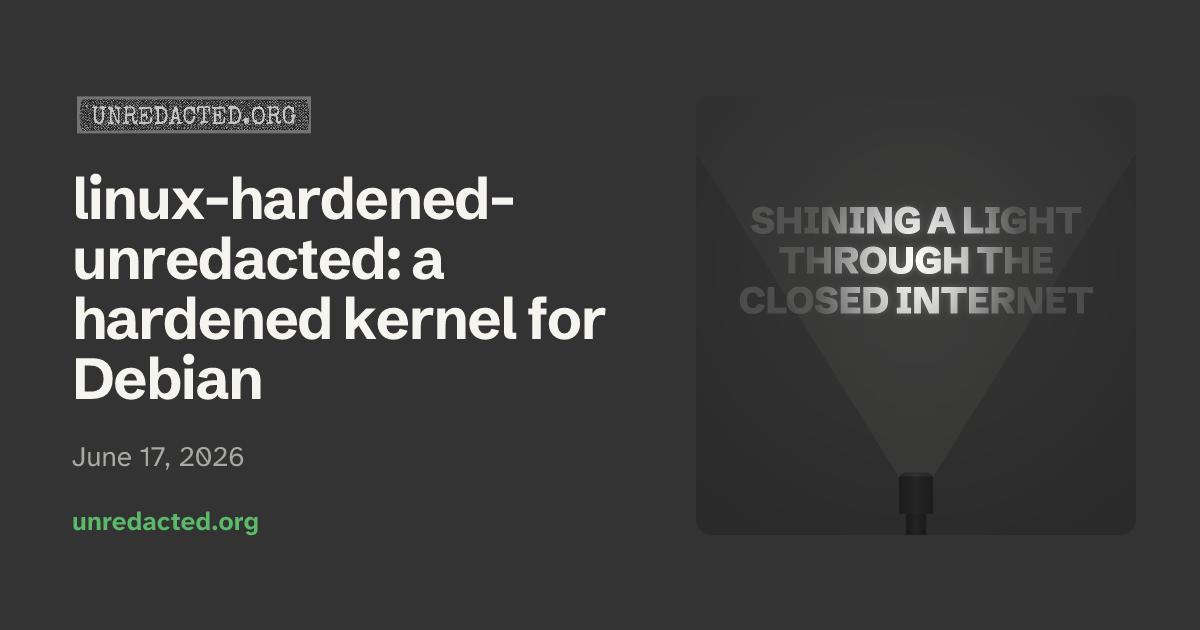
Unredacted hardened Kernel for Debian
cross-posted from: lemmy.world/post/54110939
Unredacted hardened Kernel
Hardened debian kernel built on top of graphene os patches by the redacted non profit . Details for apt repo are here.
git.unredacted.org/…/linux-hardened-unredacted
Figured Id share for those interested. Text below copied from git readme.
What this kernel changes
On top of upstream Linux, this build applies the anthraxx/linux-hardened patch set under a kernel .config composed from anthraxx’s own Arch packaging config.x86_64 (pinned by sha256 + signed-commit-verified in configs/upstream-seed.toml) layered with our project overlay (configs/intent.common.config plus the x86-only configs/intent.x86_64.config; per-symbol rationale in configs/POLICY.md). Each build re-fetches the pinned seed, verifies its signature, merges our intent, runs olddefconfig, and aborts unless every intent line lands — so new hardening features anthraxx adopts flow through automatically, while regressions on the symbols we explicitly pin fail fast at configure time. Full design in docs/operators/config-architecture.md. The hardening falls into four buckets: memory-safety (heap and stack zero-init, stack-erase-on-return, hardened usercopy, FORTIFY_SOURCE, slab freelist hardening and canaries, KASLR, KFENCE); integrity (W^X for kernel and module text, forced module-signature verification, integrity-mode lockdown under Secure Boot); attack-surface reduction (/dev/mem, /proc/kcore, kexec, and several legacy syscalls removed); and restrictive sysctl defaults (unprivileged user namespaces off; perf, BPF, and ptrace restricted to root).
That hardening comes with friction worth knowing before you install:
Out-of-tree modules (NVIDIA, ZFS, VirtualBox) must be rebuilt against our headers and signed. DKMS is designed to do this with a machine-local MOK key you enroll once at reboot (not yet validated against a published release — see docs/users/dkms.md).
Rootless containers (Docker, Podman), the Chromium sandbox, Snap, and Flatpak depend on unprivileged user namespaces, which are off by default. Re-enable them via the opt-in in docs/users/incompatibilities.md.
kexec/kdump, hibernation, and /dev/mem-based tools do not work.
Every module must be signed. An unsigned out-of-tree module will not load (MODULE_SIG_FORCE).
Per-symptom workarounds are in docs/users/incompatibilities.md. Keep your distro’s stock kernel installed as a recovery fallback; both coexist and GRUB lists both.
Amutable Foundations: A Technical Overview https://lobste.rs/s/soxqxp #linux
https://amutable.com/blog/amutable-foundations-technical-overview
Can I update now?
System Specifications
Operating System: CachyOS Linux
KDE Plasma Version: 6.8.0
KDE Frameworks Version: 6.31.0
Qt Version: 6.12.0
Kernel Version: 7.2.11-1-cachyos (64-bit)
Graphics Platform: Wayland
Processors: 12 × 12th Gen Intel® Core™ i5-12450H
Memory: 8 GiB of RAM (7.5 GiB usable)
Graphics Processor 1: Intel® Graphics
Graphics Processor 2: NVIDIA GeForce RTX 3050 Laptop GPU
Several days ago, I tried to update my CachyOS system. And seen the below warning from Pacman itself
Update notice: Kernel 7.3.0-2 has issues with amdgpu particularly causing black screen on AMD dGPUs
At first, I was like gonna do the update, because I don’t have an AMD CPU/GPU. Then I went to check on the internet and found lots of issues with both Kernel 7.3 and KDE Plasma 6.8.1. Even affecting NVIDIA GPU.
Some of the examples
Linux 7.3 - GPU idle increased from 10 W to 60. Anyone else?
Partial upgrade for ca-certificates-mozilla
Plasma 6.8.1 update: fullscreen games choppy (fine in windowed), desktop animations laggy - fixed by downgrading to 6.8.0
Choppy frame pacing in CS2 and Deadlock (300–500 FPS) after 2026-10-22 update (linux 7.3.0, linux-firmware-amdgpu 20261019, Plasma 6.8.1) – RX 6600 XT, Wayland – fixed by snapshot rollback
Steam games broken after updating from kernel 7.2.11-1 -> 7.3.0-2 (not fixed by 7.3.0-3)
linux-cachyos 7.3.0-4: amdgpu “Fence fallback timer expired” causes game crashes (RX 6600 XT) (Monster Hunter Wilds)
Cachyos kernel upgrade to 7.3.0 - fails on AMD
After latest update to cachyos-rate-mirrors the speeds are horible
GPU and CPU Fans Running at Double Speed under 7.3.1
Cachy kernel version 7.3.1 breaks the dual display (DisplayLink device) (KDE Plasma) (Kwin)
Cannot login after the latest update from kernel 7.2.10-1 -> 7.3.0-2 (presented with a frozen screen)
Nvidia-open 615.78.08: dGPU runtime D3 “Not supported” on linux-cachyos 7.3.0-4, works on LTS 6.18.55-2
Steam games broken after updating from kernel 7.2.11-1 -> 7.3.0-2 (not fixed by 7.3.0-3)
Is there a reason that the BORE kernel is stale (7.2.10 vs. 7.3.0)?
After Recent Update, Shut Down Takes Over 1 Minute - User Manager Issue?
Behringer UMC404HD - fail with Kernel 7.3.0
LACT power cap write fails with “Operation not supported (os error 95)” on 7.3.0-3-cachyos
Plasma 6.8.1: immediate screen tearing / flickering shadows / black areas on GTX 1650 Ti (HP Pavilion Gaming 15-dk1xxx) - 6.8.0 is fine
Updating to 7.3.0-3-cachyos causes UMC204HD Audio Interface to be unusable
Issue with AdaptiveSync kernel 7.3+
Keyboard Backlight Not Working With 7.3 Kernel
Kernal 7.3.0-3 - AMD / NVIDEA
Should i stay at linux-cachyos 7.2.11-1?
After update audio is is wery crapy and not loud
Audio echo in FAudio/Proton games on launch — regression starting linux-cachyos 7.3
Severe display artifacts and flickering on NVIDIA HDMI output after today’s first upgrade (2026/10/22)
Update causing KDE Plasma crash or blackscreen at boot
After KDE 6.8 update, Desktop Animations lag and Games run on 48fps
7.3.0-2 on RX 9070 XT: no black screen, but a DCN401 MCM LUT warning on HDR enable (Plasma 6.8.0)
After update lost fps
Not every link I shared is completely relevant to me, but the amount of issues on Kernel 7.3 and KDE Plasma 6.8.1. Even affecting NVIDIA GPU made me hesitant.
Because of this hesitation, I also didn’t update Firefox CA-Certificates security update.
Should I update now?
Affinity comes to Linux, Proton explains recent issues, macOS apps run on Linux | Linux Weekly News
Timestamps:
00:00 Intro
00:38 Sponsor: Internxt
02:43 Affinity confirms Linux version is coming
04:33 Proton apologizes, publishes Al manifesto
08:10 Cutefish runs native macOS apps now
11:20 SUSE to let go of 10% of their workforce
13:24 Fedora 45 released
14:56 Linux Mint shows more of their new apps
17:08 OpenAl found about 1000 flaws in the kernel
19:07 Nvidia drivers update with better Wayland support
20:23 Discord ditches electron for their client, for Rust
21:46 News publishers sue Brave for selling heir content to Al providers
23:37 Macs get their Apple Silicon Proton in the form of Hadron
25:55 Sponsor: Tuxedo Computers
Links
Affinity confirms Linux version is coming
omgubuntu.co.uk/…/affinity-linux-release-confirme…
Proton apologizes, publishes Al manifesto
techradar.com/…/proton-apologizes-to-community-af…
proton.me/blog/ai-manifesto
Cutefish runs native macOS apps now
cutefish.org/blog/running-mac-apps/
cutefish.org/blog/mac-apps-first-milestone/
SUSE to let go of 10% of their workforce
www.theregister.com/software/2026/11/…/5306950
Fedora 45 released
fedoramagazine.org/announcing-fedora-linux-45/
Linux Mint shows more of their new apps
blog.linuxmint.com/?p=5093
OpenAl found about 1000 flaws in the kernel
www.phoronix.com/news/OpenAI-948-Linux-LPE-Bugs
Nvidia drivers update with better Wayland support
9to5linux.com/nvidia-620-linux-graphics-driver-re…
Discord ditches electron for their client, for Rust
theverge.com/…/discord-ditching-electron-web-app
News publishers sue Brave for selling heir content to Al providers
techcrunch.com/…/new-york-times-and-other-outlets…
Macs get their Apple Silicon Proton in the form of Hadron
github.com/Broyojo/hadron
This Week in Plasma: Widgets Widgets Widgets
Progress Report: Linux 7.3 - Asahi Linux https://lobste.rs/s/4qiair #linux #mac
https://asahilinux.org/2026/11/progress-report-7-3/
Crontab mess on DietPi, how to fix
I am running DietPi on a RPI in my network with some docker containers on it.
I recently got the idea to switch off containers when not needed, e.g. during the night, since this will allow my hard drive to switch off and saves a bit of energy.
I do not recall how I found out, but for some reason what I did was to just edit the /etc/crontab file that DietPi has with sudo. Worked like a charm, I had my containers stopped and started just as specified.
But then I wanted to make some changes, change some times, add some other stuff. I did it the same way, edit the /etc/crontab file with sudo. Didn’t work, none of my new additions worked.
I searched online and figured out the better way to do this is use the command “crontab -e”, edit stuff there, then also check with “crontab -l” right after. That worked, now my new containers are all behaving as they should.
But how do I now get rid of the stuff I defined in /etc/crontab? I removed it all from that file, saved it, restarted the system, nothing removed these, they are somehow persisting. I know they do because I use a different log file for these and that log file still gets generated now. How can I fix this?
Bonus question about log files, how can I make them more useful in terms of information? Right now they just name the command, not even a timestamp or anything.
Thanks!